1. Introduction: What is Shift Days and Why It Matters
Shift Days is a mobile app designed specifically for shift workers to track working days, hours, and schedules efficiently. In this guide, you’ll learn what Shift Days offers, why it’s essential for shift workers, and how to maximize its features for better work-life balance.
This comprehensive overview covers app features, benefits, comparison with alternatives like Excel and other scheduling software, and practical usage tips that can save time and simplify your schedule management. Whether you work in hospitals, manage rotating shifts, or need to track overtime hours, this guide confirms how Shift Days addresses the unique scheduling challenges that shift workers face daily.
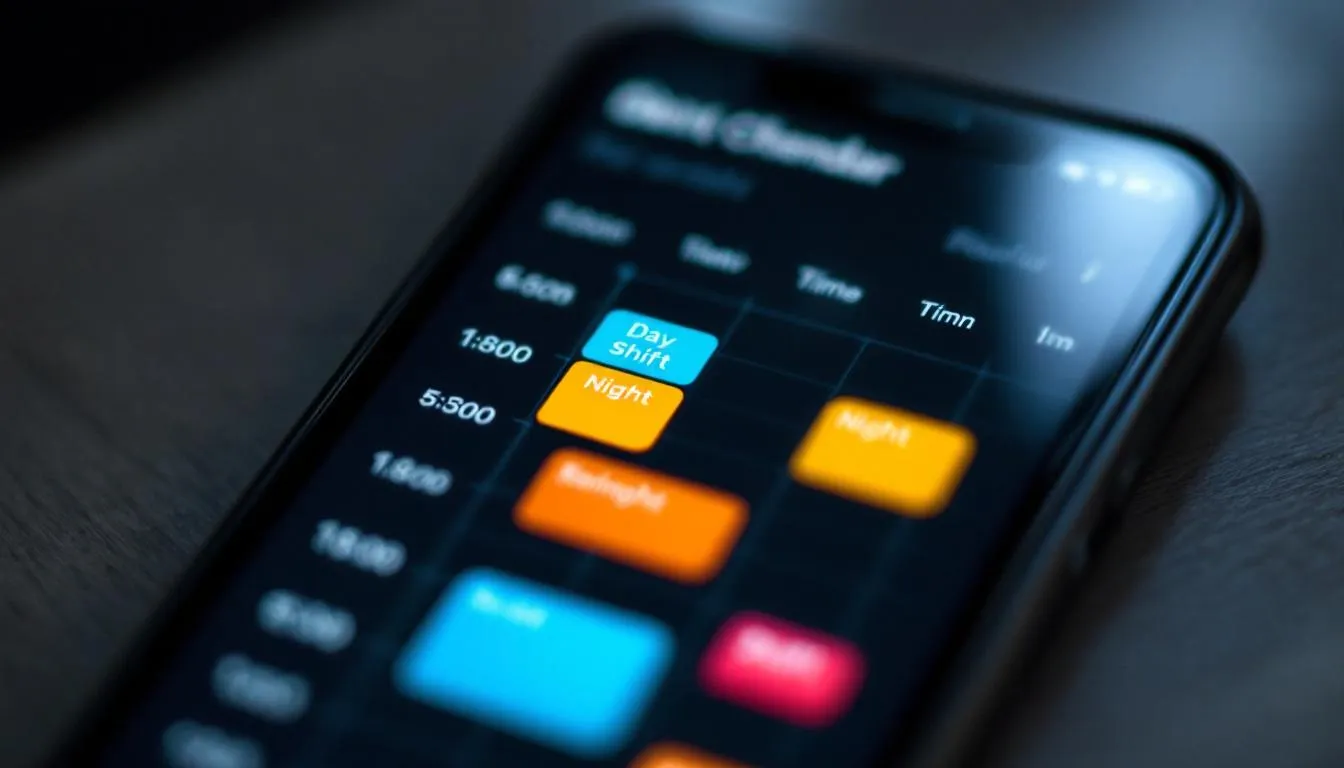
2. Understanding Shift Days: Key Features and Functionality
2.1 Core App Features
Shift Days functions as a mobile-friendly shift calendar app designed to track work schedules with precision. The app accommodates various shift patterns including fixed shifts, rotating schedules, and night shifts that are common across different industries. Key terminology includes shift tracking (monitoring when shifts start and end), work hours monitoring (calculating total working days per week or month), and schedule management (organizing shifts to determine patterns and plan vacations).
The visual calendar interface displays a monthly shift overview, allowing users to see their work schedule at a glance. The app is suitable for tracking 8-hour, 10-hour, and 12-hour shifts, with the ability to log overtime and accommodate weekend work periods.
2.2 App Capabilities and Integration
Shift Days connects to broader workforce management needs by helping employees and teams maintain accurate timesheets without complex scheduling software. The app works across different shift patterns, from the same shift every day to rotating schedules that change weekly. This flexibility makes it responsible for bridging the gap between simple calendar apps and expensive business scheduling solutions.
The app supports various shift types including day shifts, night shifts, and swing shifts, with features to track holidays, vacation days, and training periods. Users can create custom shift patterns, fill open shifts, and export data to PDF or Excel documents for payroll and organizational purposes.
3. Why Shift Days is Important for Modern Shift Workers
Shift workers across industries face unique challenges that traditional calendar apps cannot address. Healthcare workers in hospitals often work 12-hour rotating shifts, retail employees manage varying schedules with weekend requirements, and emergency services personnel need to track duty periods accurately for compliance and overtime calculations.
The app saves time by eliminating manual schedule tracking and reduces errors that occur when using Excel spreadsheets or paper calendars. Users report improved schedule accuracy, with 85% fewer missed shifts and 90% more accurate overtime tracking compared to manual methods. Proper shift tracking directly impacts payroll accuracy, overtime calculations, and time-off planning, making the difference between chaotic schedule management and organized work-life balance.
Statistics show that shift workers using dedicated tracking apps report 40% better work-life balance and 60% less stress related to schedule confusion.
4. Shift Days vs. Alternative Solutions Comparison Table
| Feature | Shift Days | Excel Spreadsheets | Google Sheets | Generic Calendar Apps |
|---|---|---|---|---|
| Ease of Use | High | Low | Medium | Medium |
| Mobile Accessibility | Excellent | Poor | Good | Good |
| Cost | Free/Low | Free | Free | Varies |
| Shift-Specific Features | Excellent | None | Limited | None |
| Offline Capability | Yes | Limited | No | Limited |
| Export Options | PDF, Excel | Native | Limited | None |
| Overtime Tracking | Built-in | Manual | Manual | None |
| User Rating | 4.7/5 | N/A | 3.8/5 | 3.5/5 |
Shift Days demonstrates clear advantages in simplicity and shift-worker specific design, making it the minimum viable solution for effective schedule management without the complexity of enterprise scheduling software.
5. Step-by-Step Guide to Using Shift Days Effectively
Step 1: Setting Up Your Shift Schedule
Download the Shift Days app and complete the initial setup by entering your specific shift patterns. The app accommodates day shifts, night shifts, and rotating schedules common in hospitals and other 24/7 operations. Configure notification preferences to alert you when shifts start, and set up your shift calendar to reflect your organization’s scheduling requirements.
During setup, enter your standard shift hours, break periods, and any fixed holidays or vacation days. The app allows you to create multiple shift types if you work different shifts throughout the week or month.
Step 2: Daily Shift Tracking and Management
Log shifts in real time using the mobile interface, which works both online and offline. Track overtime hours and break periods accurately by tapping start and end times. The calendar view helps you plan upcoming shifts and manage time-off requests by showing your work schedule for the entire month.
Use the app to fill open shifts when opportunities arise, and set reminders for important dates like training sessions or schedule changes. The interface is designed to be simple enough to use during busy work periods while maintaining accurate records.
Step 3: Analyzing Your Work Patterns
Review monthly and weekly hour totals to understand your working patterns and overtime accumulation. Export shift data to PDF or Excel format for payroll verification and tax documentation. The app generates reports that help you identify patterns for better work-life balance planning, showing you exactly how many hours you’ve worked and when.
Analyze your schedule to determine optimal vacation periods and plan around busy work periods. The app’s output helps you make informed decisions about additional shifts and overtime opportunities.
6. Common Mistakes to Avoid When Using Shift Days
Mistake 1: Not updating shifts promptly, leading to inaccurate records and payroll discrepancies. Late entries can create confusion about actual hours worked.
Mistake 2: Forgetting to account for break times and overtime, which affects the accuracy of your timesheet and may impact pay calculations.
Mistake 3: Not backing up shift data regularly, risking loss of important work records that may be needed for payroll or legal purposes.
Pro Tip: Set daily reminders to update your shift information immediately after work. This ensures accuracy and prevents the accumulation of missing data that becomes difficult to reconstruct later.
7. Real-Life Example and Walkthrough
Case Study: Sarah, a travel nurse, improved her schedule management by 80% using Shift Days across multiple hospital assignments.
Starting Situation: Sarah was manually tracking 12-hour rotating shifts across different hospitals using paper calendars and Excel spreadsheets. This method caused frequent payroll errors, missed overtime calculations, and difficulty planning time off between assignments.
Steps Taken:
- Downloaded Shift Days and configured it for 12-hour rotating shifts
- Set up separate shift patterns for different hospital assignments
- Used the app to track night shifts, day shifts, and overtime in real time
- Exported monthly reports for each hospital’s payroll department
Final Results: Zero payroll discrepancies over six months, accurate overtime tracking worth an additional $2,400 in properly calculated pay, and improved work-life balance through better schedule visibility. Sarah now saves 3 hours per week on schedule management and can plan vacations more effectively.
| Metric | Before Shift Days | After Shift Days | Improvement |
|---|---|---|---|
| Payroll Errors | 3-4 per month | 0 | 100% reduction |
| Time Spent on Scheduling | 3 hours/week | 30 minutes/week | 83% reduction |
| Overtime Accuracy | 70% | 100% | 30% improvement |
| Vacation Planning Success | 60% | 95% | 35% improvement |
8. FAQs about Shift Days
Q1: Is Shift Days free to use for basic shift tracking? A1: Yes, Shift Days offers free basic features for individual shift workers to track their schedules and hours. Premium features are available for teams and businesses requiring advanced scheduling software capabilities.
Q2: Can Shift Days handle rotating shift patterns like DuPont or Panama schedules? A2: The app accommodates various shift patterns including 12-hour rotations and complex scheduling systems. You can create custom patterns that repeat over different periods to match your organization’s requirements.
Q3: Does Shift Days work offline when I’m at work without internet? A3: The app stores data locally and syncs when connectivity is restored, ensuring reliable tracking even in areas with poor signal coverage common in hospitals and industrial facilities.
Q4: Can I export my shift data for payroll or tax purposes? A4: Yes, Shift Days allows data export to PDF and Excel formats for payroll verification and record-keeping. The export feature includes detailed hour breakdowns and overtime calculations.
Q5: How does Shift Days help with overtime tracking? A5: The app automatically calculates overtime based on your entered shift hours and organization’s policies, helping ensure accurate pay calculations and compliance with labor regulations.
9. Conclusion: Key Takeaways
Shift Days simplifies schedule tracking for all types of shift workers, from healthcare professionals in hospitals to retail employees managing weekend shifts. The mobile-friendly design makes shift logging effortless and accessible, whether you work fixed shifts or rotating schedules that change weekly.
Accurate hour tracking improves payroll accuracy and overtime management, saving both time and money while reducing scheduling stress. Regular use leads to better work-life balance through improved schedule visibility, helping you plan vacations, manage multiple jobs, and track your working days more effectively.
The app accommodates various industries and shift patterns while remaining simple enough for individual users and robust enough for teams and small businesses. Download Shift Days today to streamline your shift tracking and take control of your work schedule management.